














Sokogeon
Sokoban Adventure in Sokogeon
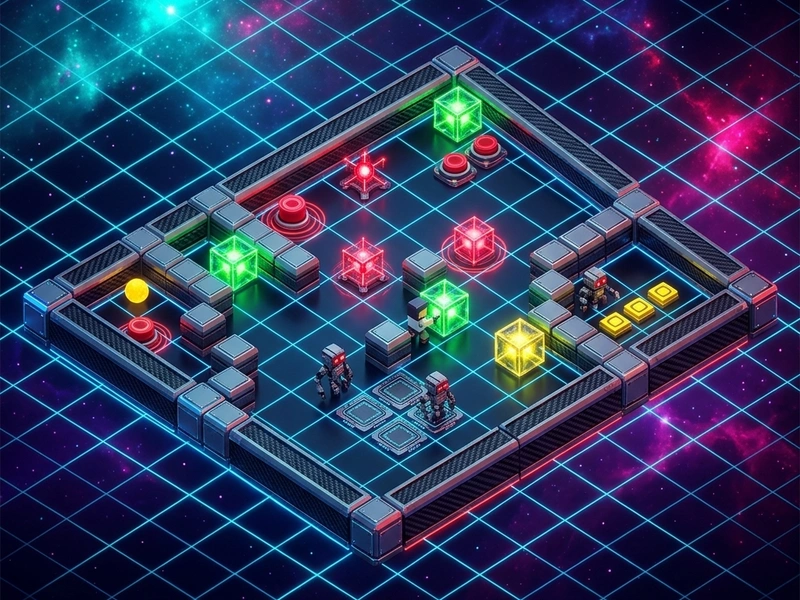
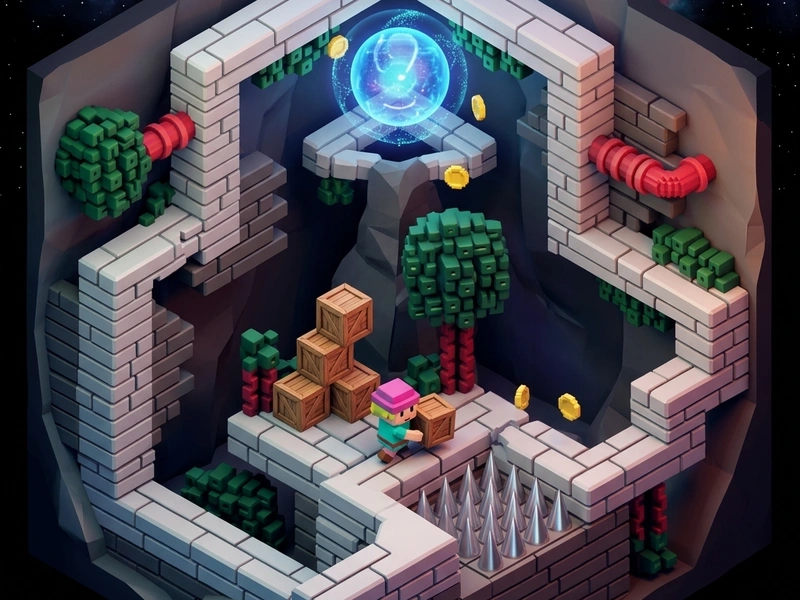
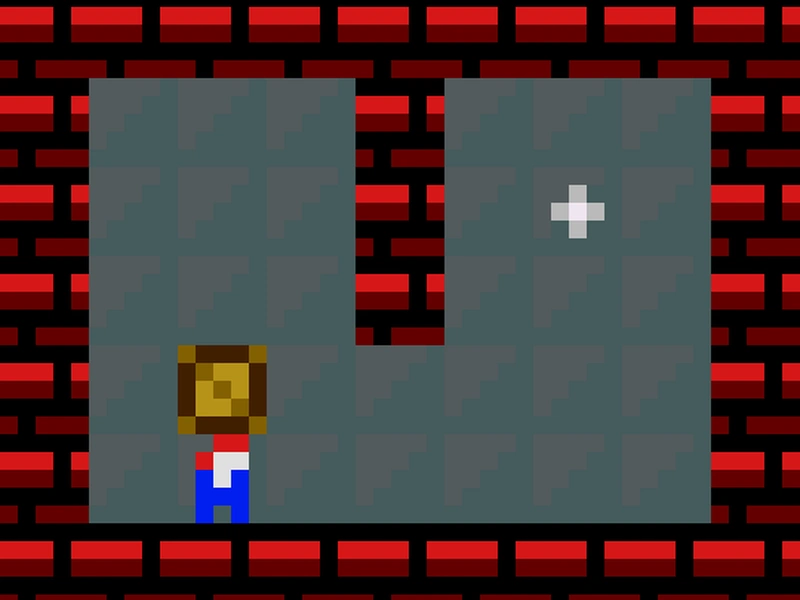
Embark on a pixelated puzzle quest inside mysterious grid ruins in Sokogeon, an adventure-style block-pushing game that fuses Sokoban mechanics with key-and-gate puzzles. You control an explorer navigating rooms filled with locked gates, elemental blocks, and floor buttons. Your mission is to push the correct blocks onto their corresponding locks to open the doors and escape. If you are a fan of classic 8-bit adventure Puzle screens, Sokogeon provides a nostalgic and highly logical experience that runs instantly on any device.
Sokogeon Low-Res Origins
Developed by Volcano Bytes using the PuzzleScript engine, Sokogeon is a love letter to Game Boy-era dungeon games. It respects the strict 8x8 grid constraints while introducing a rich lore of elemental locks: fire blocks unlock red doors, ice blocks unlock blue doors, and so on. The game is licensed under MIT, making its source code accessible. The lo-fi pixel art and chiptune sound effects perfectly capture the nostalgic atmosphere of retro handheld consoles.
Grid Keys & Gate Mechanics
Each room represents a self-contained grid layout. You move your character orthogonally. Pushing a block moves it one square forward. Unlike standard Sokoban where all blocks are identical, Sokogeon requires color coordination. Red keys must go to red gates, blue keys to blue gates. Because gates are often located in narrow hallways, the order in which you push the blocks is critical. One wrong push can block a corridor permanently, trapping you in the room.
Sokogeon Solving Tips
- Color-Code Your Route: Identify which gate blocks your exit path and solve that gate's key first.
- Create Slides: Push blocks along walls only if there is a gate or switch along that wall. Otherwise, you will lose the ability to push them sideways.
- Keep Hallways Clear: Avoid pushing keys into narrow 1-tile corridors until you are ready to push them all the way through to the target gate.
- Use Undo Repeatedly: Don't hesitate to press the undo key if you realize you made a wrong turn. It's the best way to trace the correct path.
Adventure Controls
- Arrow Keys / WASD: Move your character and push key blocks.
- Z Key / Backspace: Undo your last movement step.
- R Key: Reset the current room layout.
Key Highlights
- Cute retro Game Boy pixel art style with authentic chiptune audio.
- Multi-colored key-and-gate logic that adds depth to standard block pushing.
- Dozens of rooms with progressive layouts and smart shortcuts.
- Open-source project under MIT, fully embeddable and playable on mobile browsers.
💬 0 Comments
Leave a Comment