














Freaky Towers
Physics Stacking in Freaky Towers
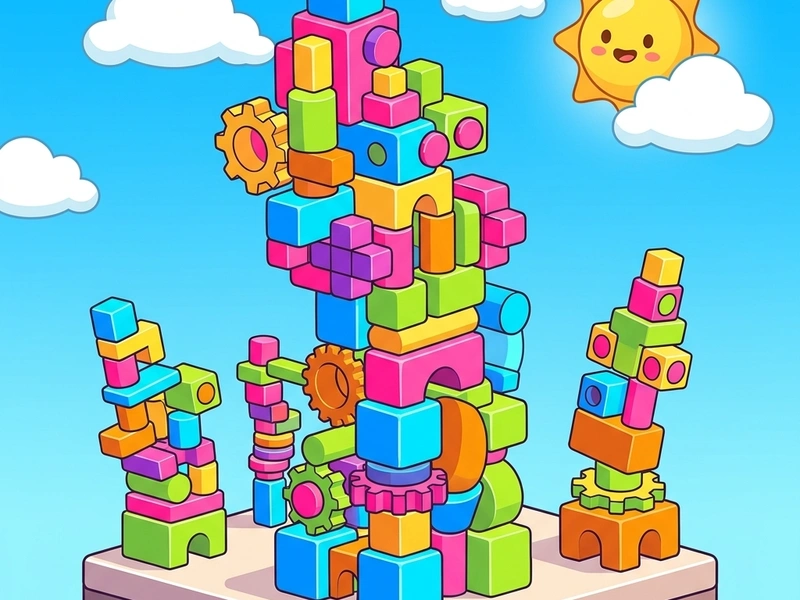
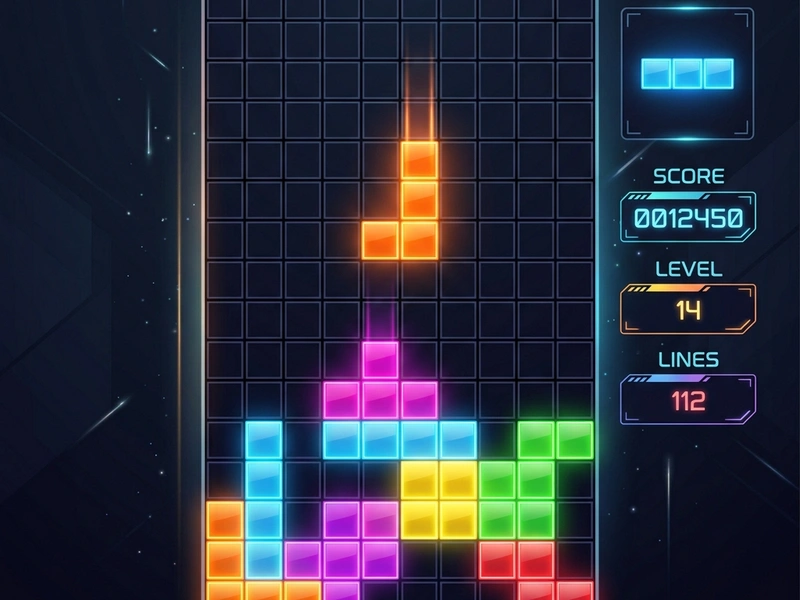
Challenge gravity and build stable structures in Freaky Towers, a physics-based block-stacking game inspired by classic block dropping mechanics. You are given a sequence of falling blocks (tetrominoes) that you must rotate and drop onto a small, floating platform. Unlike traditional brick games, Freaky Towers applies realistic physics—blocks can slide, tilt, and fall off if the weight distribution is uneven. Gamers who love a tense, physics-based Strateji game will enjoy testing the limits of balance and friction in this addicting web game.
History of Tetromino Stacking
While standard brick puzzles focus on clearing lines, games like "Tricky Towers" and "Freaky Towers" turned the formula upside down by focusing on stacking. Developed by Slava0135, Freaky Towers is an open-source (MIT) project that explores the dynamics of rigid-body physics in gaming. The game uses a clean vector art style with vibrant colors, displaying physical variables like gravity, wind, and block friction to challenge players as their tower grows taller.
Towers Physics Mechanics
The game starts with a narrow base block. Tetrominoes (L, T, I, and square shapes) spawn at the top of the screen. You move them horizontally and rotate them before letting them fall. When a block collides, the physics engine calculates its center of mass. If too much weight leans over one side, the tower will tilt and collapse. The goal is to reach a target height line and hold the tower stable for three seconds without letting blocks tumble into the water below.
Friction & Balance Strategies
- Build a Wide Base: Use your first few blocks to extend the width of your platform. A wider foundation is much easier to balance.
- Lock Blocks Together: Fit jigsaw-like shapes into each other (e.g., placing a T-block upside down inside an L-block) to lock them in place and prevent sliding.
- Center the Mass: Keep the heaviest blocks in the middle of your tower column to keep the gravity vector straight down.
- Watch the Wind Gauge: Higher altitudes introduce wind forces. Rotate blocks to present a narrower profile to the wind direction.
Stacking Controls
- A/D or Left/Right Arrow Keys: Move the active falling block horizontally.
- W / Up Arrow Key / Spacebar: Rotate the block 90 degrees.
- S / Down Arrow Key: Soft drop the block to slide it into place.
- R Key: Reset the platform to restart your tower.
Game Highlights
- Realistic 2D rigid-body physics engine simulating friction, gravity, and wind.
- Vibrant modern graphics with smooth block rotations and particle effects.
- Multiple height tiers and platform sizes to test your engineering logic.
- Open-source (MIT), ad-free, and fully responsive for mobile gaming.
💬 0 Comments
Leave a Comment