















ROTA: Bend Gravity
Gravity Manipulation in ROTA: Bend Gravity
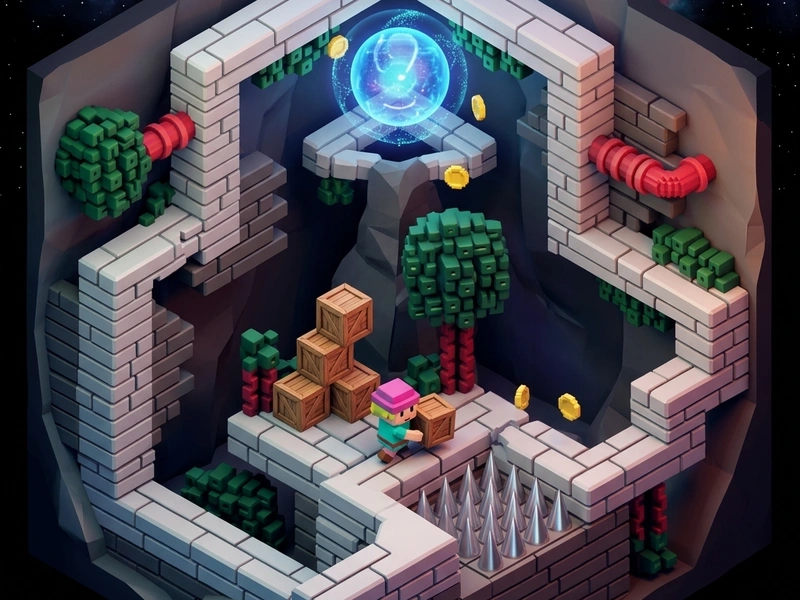
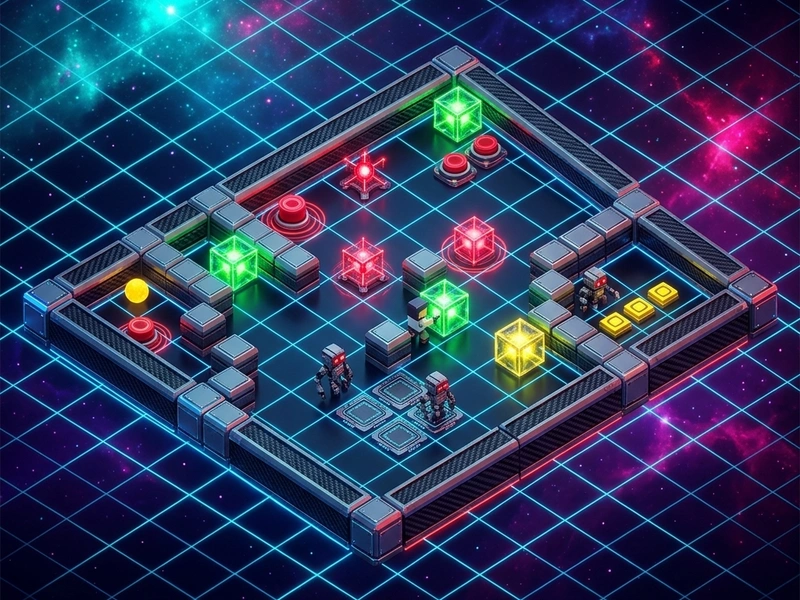
Defy physics and explore rotating grid rooms in ROTA: Bend Gravity, a gravity-shifting platformer that challenges your spatial orientation. You control a tiny astronaut navigating levels filled with hazards, portals, and floating gems. By walking off edges or interacting with gravity nodes, you rotate the entire screen by 90 or 180 degrees, turning walls into floors and floors into ceilings. Anyone seeking a premium Puzle platformer will find ROTA's smooth physics and clever level design to be a top-tier brain-teaser.
Gravity Platformer History
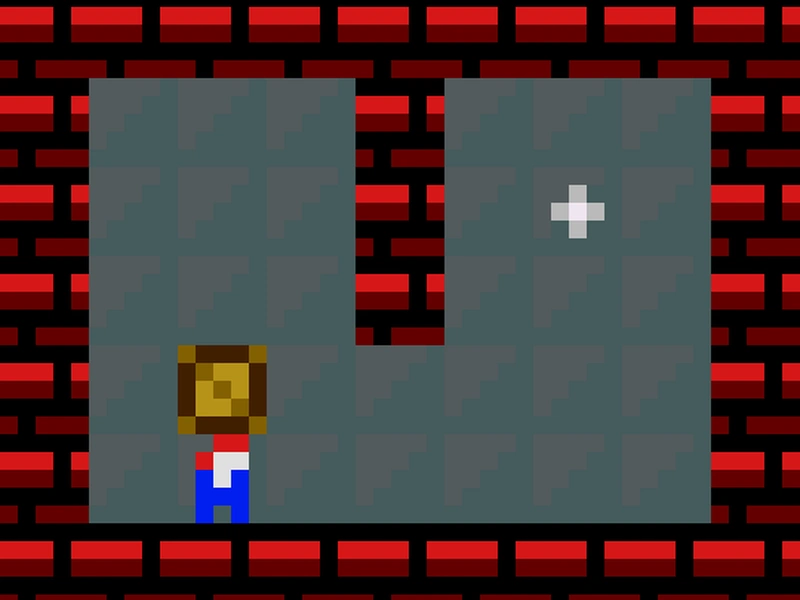
Developed by Harmony Monroe, ROTA is built on the legacy of gravity-shifting indie games like "And Yet It Moves" and "Etherborn." The game features a gorgeous retro pixel-art aesthetic, with 8 vibrant worlds and a soothing ambient lo-fi soundtrack. The code is open-source (MIT), making it a highly respected project in the indie dev community. Its clean execution ensures responsive jumping and camera rotations that prevent motion sickness while delivering complex spatial challenges.
Gravity-Bending Mechanics
Your character can walk left and right, jump, and collect gems. When you walk off the side of a platform, your personal gravity vector rotates, causing you to cling to the side of the wall. This changes your perspective, making the camera swing smoothly to realign the floor. Spikes, blocks, and keys fall relative to the global gravity, requiring you to carefully plan your rotations to slide keys onto buttons or drop blocks into spike pits to create safe bridges.
Physics Bending Strategies
- Scan the Rotation Angle: Before jumping off a platform, calculate which wall you will land on and how the camera will shift.
- Drop Hazards Safely: Shift gravity to drop boulders into spike pits. This covers the hazards and creates safe walking paths.
- Collect Hidden Gems: Use wall-walking to reach corners of the map that are inaccessible via standard jumping.
- Time Your Rotations: In some levels, you must shift gravity mid-air to catch a moving platform or enter a narrow corridor.
Gravity Controls
- A/D or Left/Right Arrow Keys: Walk left and right.
- W / Spacebar / Up Arrow Key: Jump over obstacles.
- S / Down Arrow Key: Interact with portals, switches, and save points.
- R Key: Restart the current room layout immediately.
ROTA Highlights
- Smooth 90-degree screen rotations with comfortable camera tracking.
- 8 gorgeous pixel-art worlds containing over 50 unique gravity puzzles.
- Calming lo-fi ambient soundtrack that aids focus and solving speed.
- Fully open-source under MIT, embeddable, and optimized for mobile touchscreens.
💬 0 Comments
Leave a Comment