
















Rubiks Cube Simulator
Virtual 3D Rubik's Cube Guide
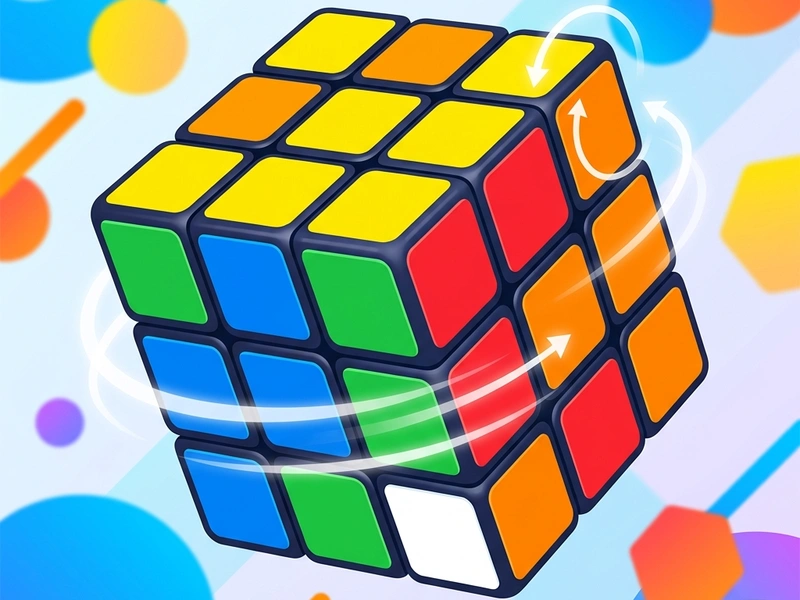
Twist, turn, and rotate the virtual faces of the Rubiks Cube Simulator. This highly interactive 3D simulation allows you to rotate rows and columns in any direction to scramble or solve the cube. It is a perfect replication of the traditional Rubik Cube, rendering a full 3D layout that works in any web browser without installation.
History of the Magic Cube
The Rubik's Cube was invented in 1974 by Hungarian sculptor and professor of architecture Ernő Rubik. Originally called the "Magic Cube," it was created as a working model to help his students understand 3D geometry. It became a global toy sensation in the 1980s. Since then, hundreds of millions of cubes have been sold, and solving them has developed into a competitive sport called "Speedcubing." This simulator brings the mathematical and spatial challenge of the cube directly to your screen.
Rules & Rotations
The objective of the puzzle is to restore a scrambled 3x3 cube to its solved state, where each of the six faces displays a single, uniform color: White, Yellow, Green, Blue, Red, or Orange. The cube faces are rotated in 90-degree increments. You rotate rows and columns vertically or horizontally. You can also rotate the entire camera view to inspect all six sides of the cube before deciding on your next move.
Advanced Solving Strategy (CFOP Method)
- The Cross (C): Start by solving four edge pieces on one face (typically the bottom white face) to form a white cross that aligns with the adjacent colored center blocks.
- First Two Layers (F): Solve the four corners of the first layer and the four edge pieces of the middle layer simultaneously. This is the F2L phase, which saves many turns.
- Orientation of the Last Layer (O): Turn the top face (yellow face) so that all yellow stickers face upwards, even if the sides are not yet aligned.
- Permutation of the Last Layer (P): Shift the yellow edge and corner pieces horizontally to place them in their correct coordinates, solving the entire cube.
- Practice Algorithms: Memorize notation sequences (like U, D, R, L, F, B) to rotate pieces without messing up solved parts.
Controls Guide
- Left-Click and Drag Outside Cube: Orbit Camera (Rotates the entire cube in 3D space to inspect all faces.)
- Left-Click and Drag on Cube Face: Twist Row/Column (Rotates the selected row or column in 90-degree steps.)
- Space Bar / Scramble Button: Scramble Cube (Randomly twists the cube to start a new game.)
Key Game Highlights
- Smooth 3D graphics rendering with realistic lighting and rotation physics.
- Zero-friction controls designed for mouse dragging and touch navigation.
- Interactive scramble generator to set up randomized puzzles instantly.
- Excellent educational tool for learning standard cubing notations.
💬 0 Comments
Leave a Comment