













Paper Minecraft Scratch
Paper Minecraft Scratch Sandbox Tutorial
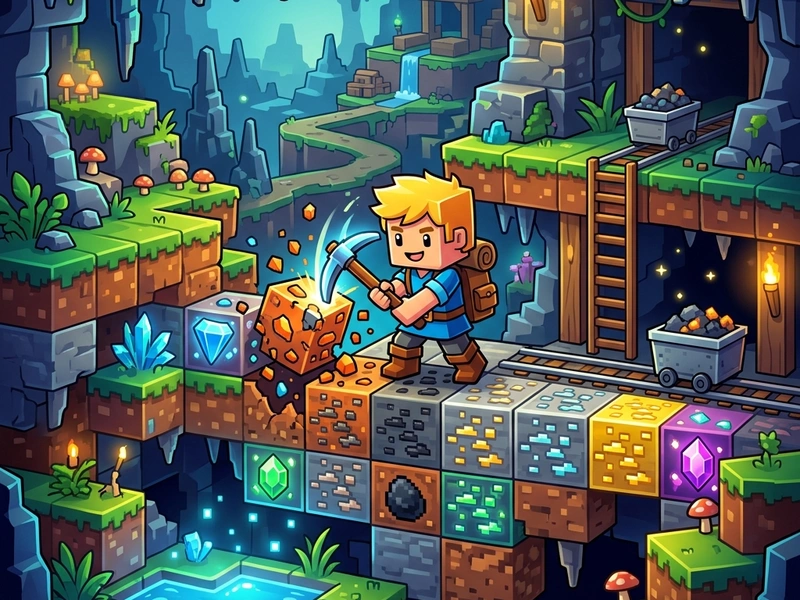
Explore a massive two-dimensional block sandbox in Paper Minecraft Scratch. This highly detailed recreation of the block-building game lets you mine, craft, build, and survive in a flat scrollable world. Explore caves, cut trees, harvest crops, and defend your shelter from nocturnal monsters. It is a stunning 2D adaptation of the famous Paper Minecraft, running directly in your web browser.
Origins of the 2D Minecraft Project
Paper Minecraft was created by developer griffpatch in 2013 on the Scratch platform. It is a fan-made, side-scrolling adaptation of Mojang's Minecraft. Griffpatch successfully condensed Minecraft's complex 3D mechanics into a 2D grid, including block mining, crafting recipes, dynamic lighting, chest storage, and mob AI. It has since become one of the most played and remixed projects in Scratch history. This version is optimized to load and run smoothly via the TurboWarp engine.
Game Modes & Core Rules
The game features three main modes: Survival, Peaceful, and Creative. In Survival Mode, you must manage your health and hunger bars, gather food, mine coal, and build shelter before night falls, as hostile monsters (Zombies, Skeletons, Creepers) spawn in the dark. In Peaceful Mode, monsters do not spawn. In Creative Mode, you have infinite health, blocks, and items, allowing you to build massive structures without restrictions. The core mechanic involves mining blocks with tools and combining them in your crafting grid to create new items.
Pro Survival & Crafting Strategies
- First Day wood Collection: As soon as you spawn, find trees and mine wood blocks. Open your inventory and craft wood planks, then a Crafting Table.
- Craft a Pickaxe: Use wood planks and sticks to craft a wooden pickaxe. Mine stone blocks to upgrade to stone tools (Stone Pickaxe, Stone Sword) immediately.
- Build a Safe Shelter: Before night falls, build a simple dirt or stone box. Place torches inside to prevent monsters from spawning.
- Dig a Mine Shaft: Dig down in a staircase pattern to search for iron ore and coal. Never dig straight down, as you might fall into lava.
- Establish Food Farms: Till soil near water blocks, plant wheat seeds, and harvest crops to make bread to restore your hunger bar.
Controls Guide
- WASD / Arrow Keys: Movement / Jump (Walk, jump, and navigate through the 2D block world.)
- Left-Click (Hold): Mine Block / Attack (Mines blocks or attacks mobs with the active hotbar item.)
- Right-Click: Place Block / Use (Places blocks, opens chests, or interacts with crafting tables.)
- E Key: Open Inventory (Opens your block storage and basic 2x2 crafting grid.)
- 1-9 Keys: Select Hotbar Slot (Selects the active tool or block to use.)
Key Game Highlights
- Hundreds of blocks, tools, weapons, and items to craft and use.
- Detailed world generator with biomes, caves, oceans, and flat worlds.
- Interactive mobs, including friendly sheep and explosive Creepers.
- Completely free sandbox building experience with custom skins.
💬 0 Comments
Leave a Comment