
















Inversion
Exploring Inversion Worlds
Coordinate your movements and master dual gravity mechanics in Inversion, a cooperative platformer designed to test your spatial reasoning. The game places two characters on opposite halves of the screen, with gravity pulled in opposite directions (one falls down, the other falls up). Both characters must reach their respective portals to clear the level, but their movements are mirrored or linked. If you enjoy a brain-bending Strateji platformer, Inversion offers a unique cooperative challenge that is perfect for solo play or local two-player sessions.
Two-Player Platformer History
Developed for the Global Game Jam, Inversion is built on the legacy of cooperative puzzle-platformers like "Fireboy and Watergirl" and "VVVVVV." It challenges players to think in two dimensions simultaneously. The split-screen aesthetic is clean, using stark color contrasts (light and dark) to represent the inverted gravity zones. The game's code is open-source (MIT), making it a favorite among indie developers who study platforming physics and gravity-shifting game loops.
Inverted Physics & Mechanics
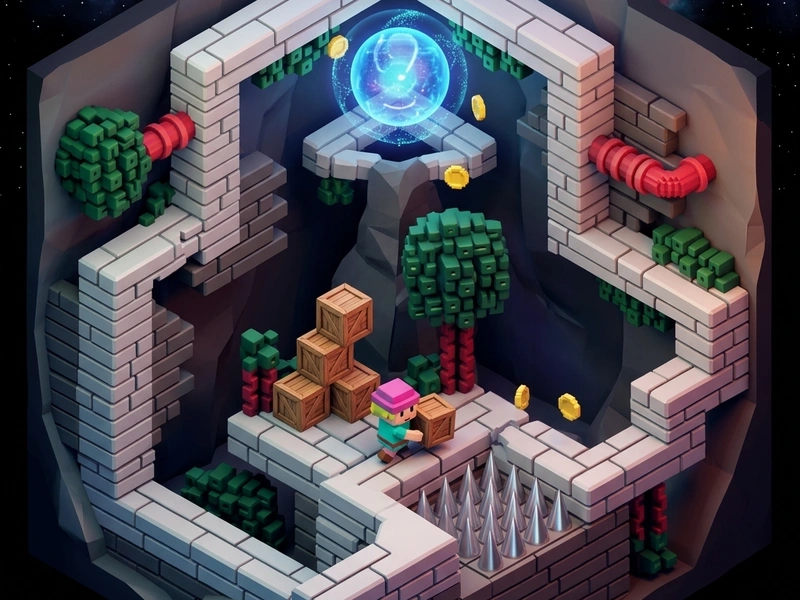
The screen is divided horizontally. The top character walks on the ceiling, while the bottom character walks on the floor. Moving left or right moves both characters simultaneously. However, hazards like spike pits, pressure plates, and moving platforms are arranged differently in each dimension. You must use one character to stand on a button, which opens a gate for the other, allowing them to advance and return the favor. A single collision with a spike for either character results in restarting the grid.
Synchronized Movement Strategies
- Anchor One Character: Run one character against a wall to "anchor" them while you move the other character across open space.
- Check Spatial Coordinates: Constantly scan both halves of the screen before making a jump to ensure the other character doesn't fall onto spikes.
- Coordinate Jumps: In some zones, you must jump simultaneously to clear obstacles in both dimensions. Timing is everything.
- Solve Switches First: Identify which buttons open which gates and plan a sequence of moves to activate them in the correct order.
Keyboard Controls
- A/D or Left/Right Arrow Keys: Move both characters left or right.
- W / Spacebar / Up Arrow Key: Jump (jumps up for the bottom player, jumps down for the top player).
- R Key: Restart the level immediately.
Key Highlights
- Stunning high-contrast art style representing dual dimensions.
- Clever level design that requires co-dependency and logical routing.
- Precise physics engine ensuring smooth jumping and landing transitions.
- Open-source project licensed under MIT, fully embeddable and ad-free.
💬 0 Comments
Leave a Comment