


















A Meta Data Game
Rewriting Code in A Meta Data Game
Break the fourth wall and edit the game's actual variables to solve levels in A Meta Data Game. In this highly original platformer, you control a character attempting to reach an exit, but the stage layout is physically impossible to clear. To bypass obstacles, you must open the game's built-in "Inspector" panel and manually change values like gravity, jump height, player coordinates, and block visibility. Gamers who love a creative Logik puzzle will find this coding simulation to be a brilliant, self-referential challenge that runs instantly in any browser.
History of Meta Puzzle Design
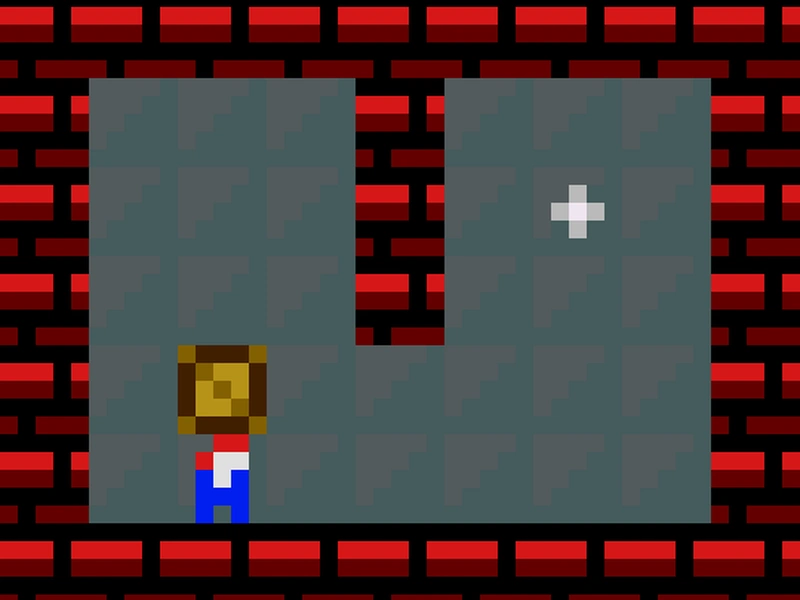
Developed by Ansimuz, A Meta Data Game is a tribute to retro hacking games and programming. Rather than teaching syntax, it focuses on the concept of parameters and state manipulation. The visual aesthetic is a gorgeous 16-bit pixel art style, reminiscent of SNES platformers. By giving players access to the game's backend variables, the developer turned the debugging process itself into the primary gameplay mechanic, creating a highly educational and satisfying experience.
Variable Manipulation Mechanics
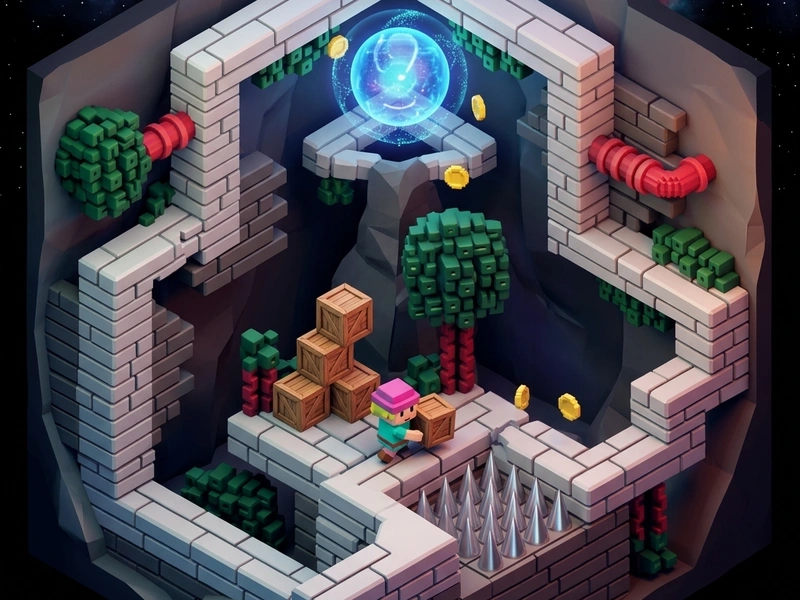
Each screen consists of a traditional platformer layout with spikes, walls, and a portal. You move your character with keyboard controls. When you hit a wall that is too high, you click the "inspect" button to pause the action and display a list of variables on the side. You can edit numerical values (like changing Gravity from 9.8 to 2.0) or toggle boolean values (like setting ObstacleVisible to false). Closing the panel resumes the action with the new physics rules applied, allowing you to float over spikes or walk through walls.
Glitch Bypassing Strategies
- Reduce Gravity for High Jumps: If a platform is out of reach, lower the gravity parameter in the inspector to float higher.
- Toggle Obstacle Collision: If a wall blocks the exit, open the inspector and check if you can disable the wall's collision checkbox.
- Modify Coordinates directly: In tight situations, you can edit the player's X and Y coordinates to instantly teleport past hazard grids.
- Read Variable Descriptions: Pay attention to the labels on the variables; editing the wrong value can crash the character or make them fall off the screen.
Programming Inputs
- W/A/S/D or Arrow Keys: Move the character left, right, and jump.
- Left-Click (On-screen inspector): Click variable boxes to edit text values or toggle checkboxes.
- Enter Key: Apply the edited variable values to the active grid.
- R Key: Reset the current screen's parameters.
Key Features
- Gorgeous 16-bit pixel art graphics with retro synth audio.
- Unique fourth-wall-breaking puzzle mechanics based on parameter editing.
- Dozens of levels that teach the logic of variable states and physics parameters.
- Fully embeddable, MIT licensed, and optimized for modern web browsers.
💬 0 Comments
Leave a Comment