













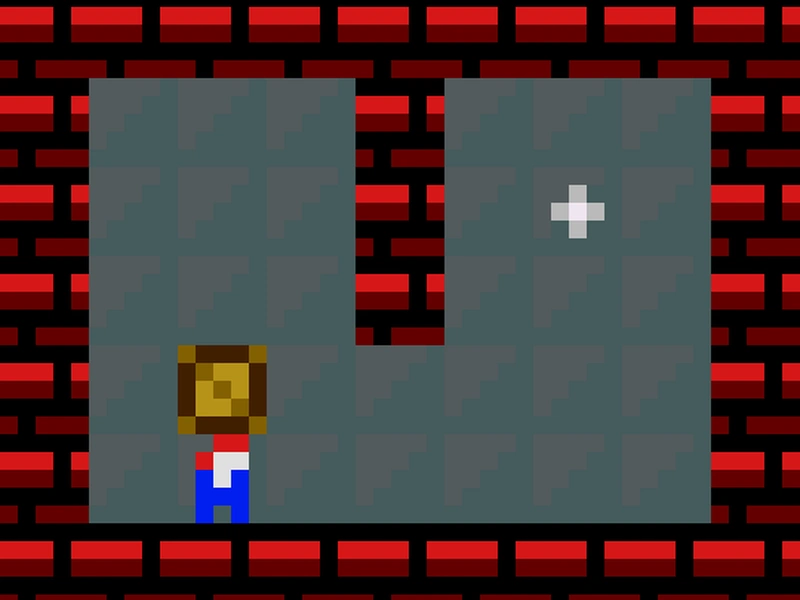



3D Maze Explorer
Navigate labyrinths in 3D Maze Explorer
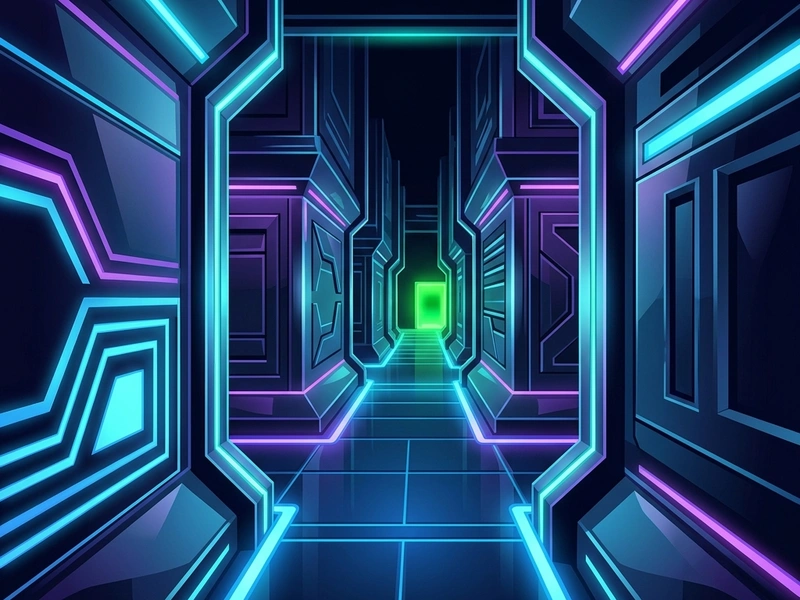
Immerse yourself in a retro first-person escape challenge with 3D Maze Explorer! Utilizing classic raycasting technology, this game renders a three-dimensional labyrinth that you navigate from a first-person perspective. It is a stunning visual exploration game, representing the best of 3D Maze programming, running instantly in modern web browsers.
History of the First-Person Raycasting
Raycasting is a rendering technique used in computer graphics to create a 3D perspective from a 2D map. It was famously popularized in the early 1990s by John Carmack of id Software in games like "Hover!" and "Wolfenstein 3D." Before full 3D hardware acceleration, raycasting allowed computers to render immersive first-person environments quickly. This Scratch game utilizes raycasting logic to build a virtual maze, offering a nostalgic look back at early PC graphics.
Game Rules & Labyrinth Escape
You start at a random coordinate inside a grid-based maze. The walls have distinct colors, and you view the maze from a first-person perspective. Your objective is to find the exit, which is marked by a green block. As you move through the corridors, you will encounter dead ends, intersections, and loops. The game features multiple levels of progressively larger sizes. The puzzle is completed when you touch the green exit block.
Pro Strategies for Maze Exploration
- The Wall-Following Rule (Right-Hand Rule): Place your virtual right hand on the wall to your right and walk forward, keeping contact with that wall. This mathematical heuristic guarantees that you will eventually find the exit in any simple loop-free maze.
- Inspect Corner Colors: Pay attention to the wall textures and colors. This helps you identify if you are walking in circles or entering a new corridor.
- Trace Your Steps: If you hit a dead end, turn back and mentally cross off that path. Do not take the same turn again.
- Keep Moving: Do not stand still. Corridor navigation requires active walking to find the green indicator.
Movement Controls Table
- Up Arrow / W: Walk Forward (Moves the camera forward along your line of sight.)
- Down Arrow / S: Walk Backward (Moves the camera backward.)
- Left / Right Arrows (A/D): Turn Camera (Rotates your viewing direction left or right.)
Key Game Highlights
- Immersive first-person perspective rendering using classic raycast calculations.
- Progressively larger maze layouts that test spatial memory.
- Smooth turning and collision detection with the walls.
- Completely free to play, suitable for logic exploration fans.
💬 0 Comments
Leave a Comment